 Kanban Tasker SoloSync
Your projects on a board. Your boards in one file.
A pragmatic kanban app for your own projects: organise tasks in columns, keep an eye on due dates and take your boards from one device to the next in a single local file. No account, no built-in cloud, no telemetry.
Studio refresh
Try it: drag a card to another column, or focus a card and move it with the arrow keys. Nothing is saved.
Backlog
2 / 10
Collect workspace ideas
A place for sketches, colour palettes and things worth trying.
Low priority
Find a desk lamp
Warm light, a small footprint and an adjustable arm.
Low priority
Drop a task here
To Do
2 / 10
Choose the wall colour
Compare the samples in daylight before deciding.
Medium priority
Due 11/20/2026
Order shelves
Measure twice. Leave enough room for the sketchbooks.
High priority
Due 11/24/2026
Drop a task here
In Progress
1 / 2
Plan the gallery wall
Pick six favourite prints. Try the layout on paper first.
High priority
Due 11/23/2026 · 5:30 PM
Drop a task here
Completed
1 / 10
Clear the desk
A clean surface for a fresh start.
Low priority
Drop a task here
A board for each of your projects
Give every project its own board with notes, and shape the columns to the way you work: rename, reorder or collapse them. If you like, groups keep work and personal boards apart.
- New boards start with Backlog, To Do, In Progress, Review and Completed.
- Column limits warn you when too much is in progress, without getting in your way.
- Groups are optional and travel with your data file.
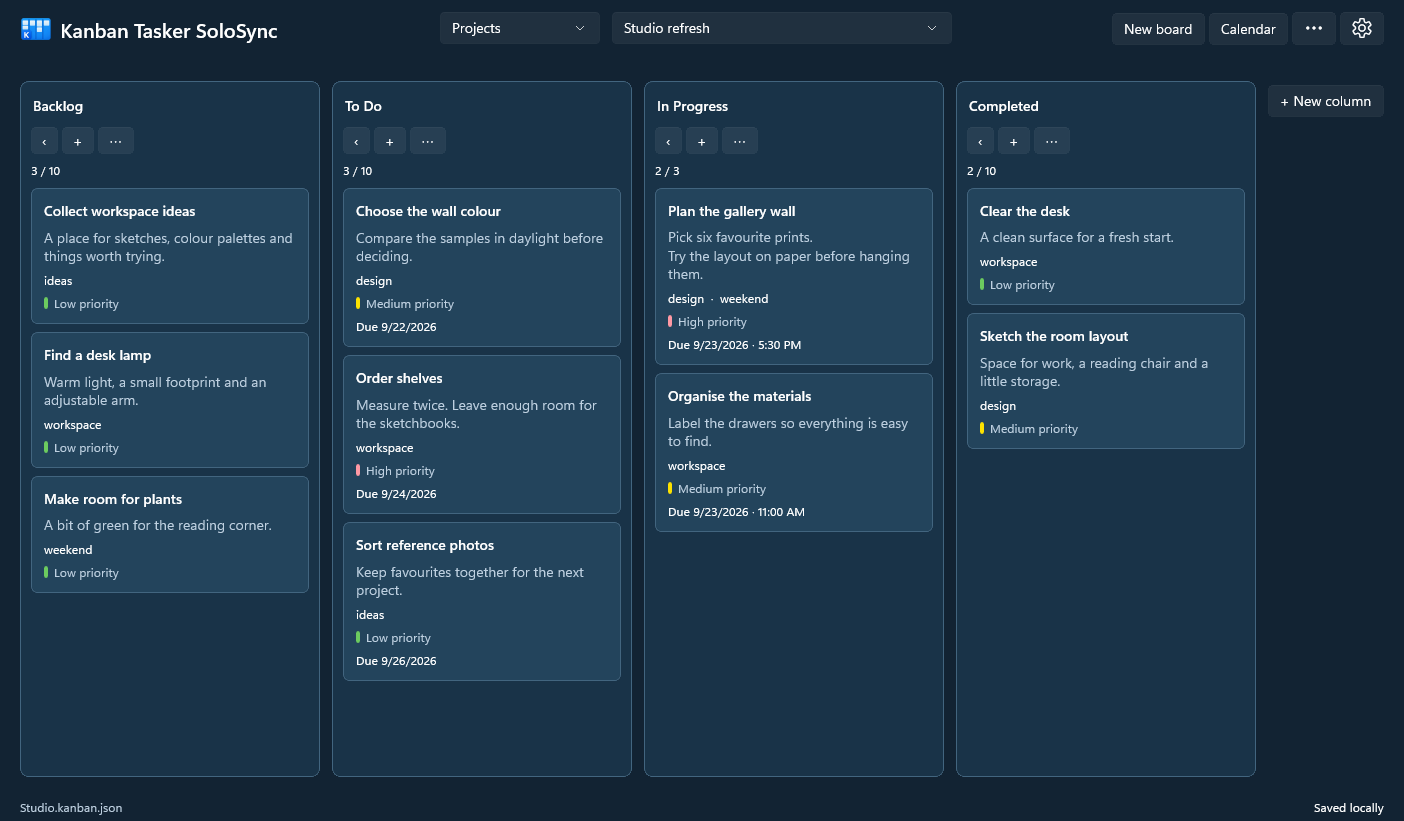
Cards with the details you need
A card holds what a task needs: a description, a priority, tags, start and finish dates, a due date and a reminder. Click a card and edit it beside the board, with the rest still in view.
- Priorities show as a small coloured bar: low, medium or high.
- Moves save at once; a form you have not saved stays a local draft.
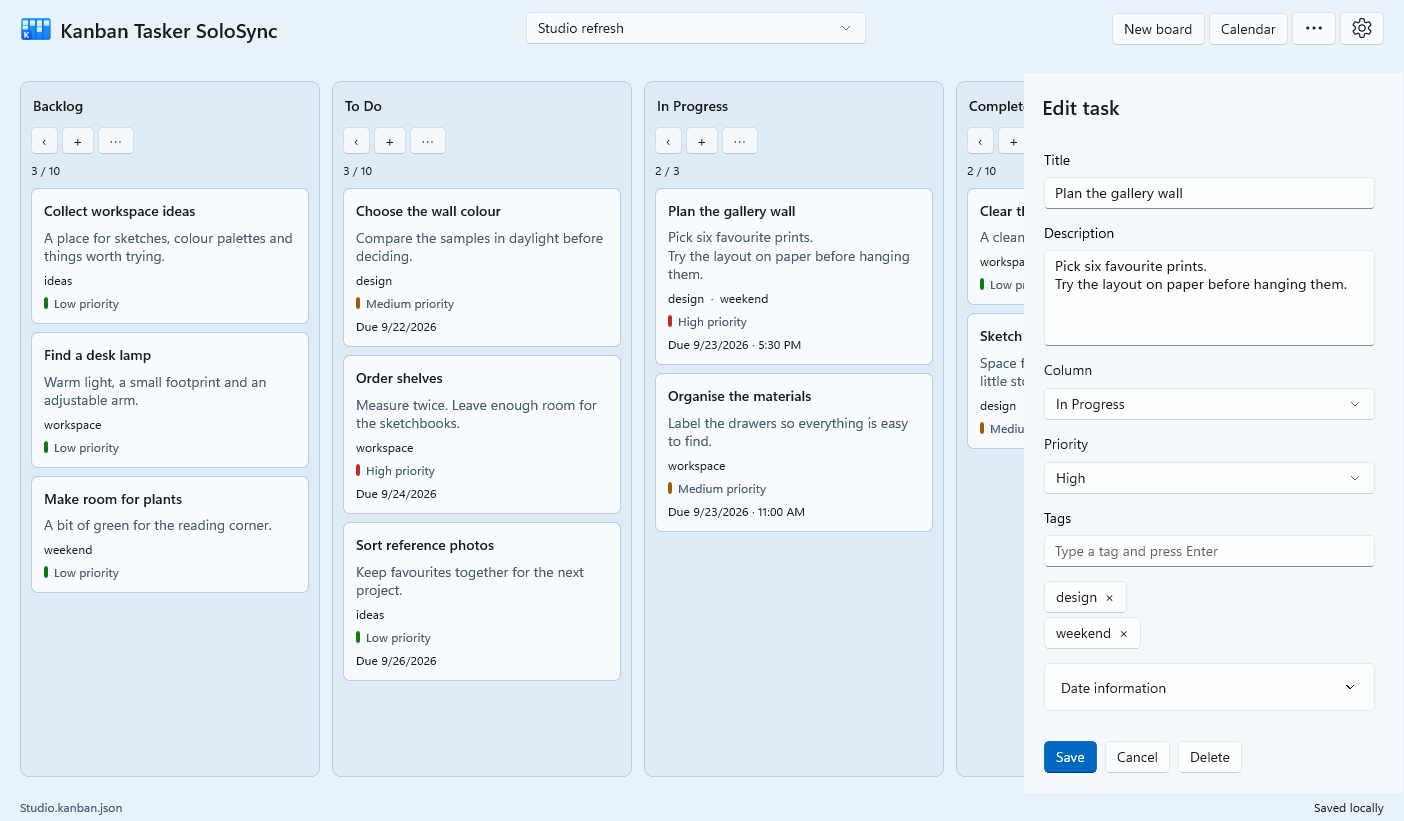
Move work along by dragging
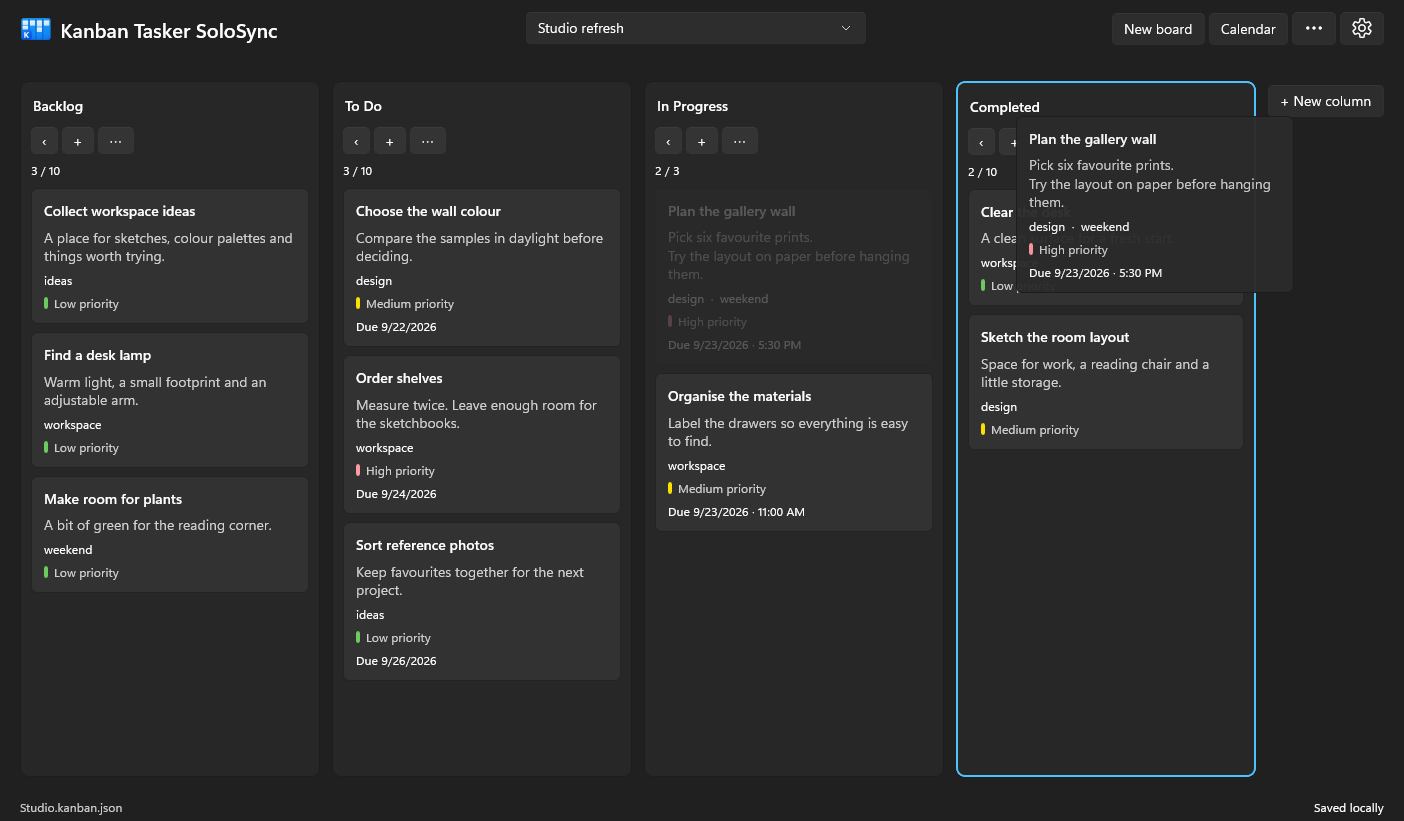
Pick up a card and it follows the pointer. Drop it between other tasks or on a column heading, and columns move the same way. Every move is in the menus too, if you prefer them.
You can try it in the small board at the top of this page.
See what is due
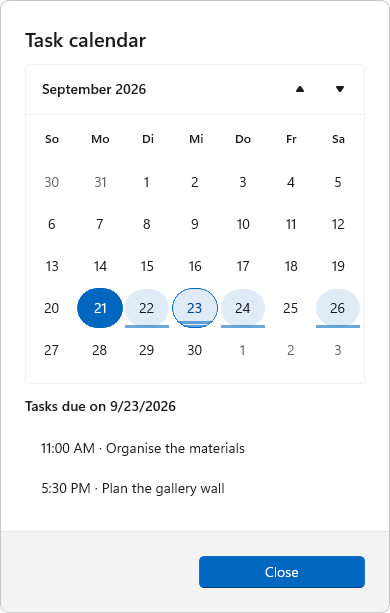
The calendar highlights every day with due tasks. Choose a day to see its tasks, then open one to edit it.
Four themes, five languages
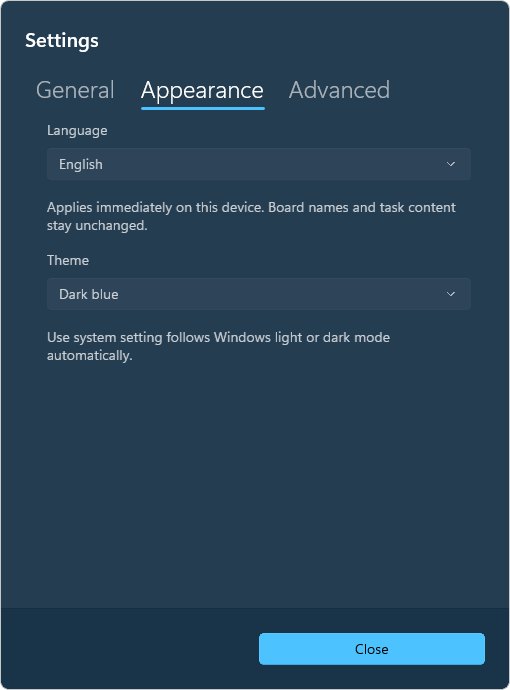
Light, Dark, Light blue or Dark blue, or simply follow your system. This page has them too: try the Theme button at the top. The interface speaks
- English
- Deutsch
- Español
- Français
- Italiano
Your board names and tasks stay as you wrote them.
SoloSync: your boards in one file
Everything lives in one JSON file that you keep wherever you like. Kanban Tasker works offline and needs no account. Put the file in a Nextcloud folder or any other synced folder, and your sync client carries it to your other devices.
Solo means one device at a time. The app guards against delayed or overlapping copies, but it is made for you alone, not for editing together.
Optional and still being tested: GitHub Projects boards beside your local ones, synchronised online.
- Save your work and close the app on the first device.
- Wait until your sync client has finished uploading.
- Open Kanban Tasker on the other device once the download is done.
Same look, more platforms
Today Kanban Tasker is a .NET app. It is moving to JFLib, a GUI library written from scratch in Rust, which brings it to Windows, Linux and Android first and to iOS and macOS later, with the same columns, cards and themes.
What is JFLib? · What comes next · More apps on jfreund.org
Kanban Tasker SoloSync is an independent edition of Hunter Johnson’s original Kanban Tasker, under the MIT licence.
Planned
2 platforms
iOS
macOS
In development
3 platforms
Windows
Linux
Android